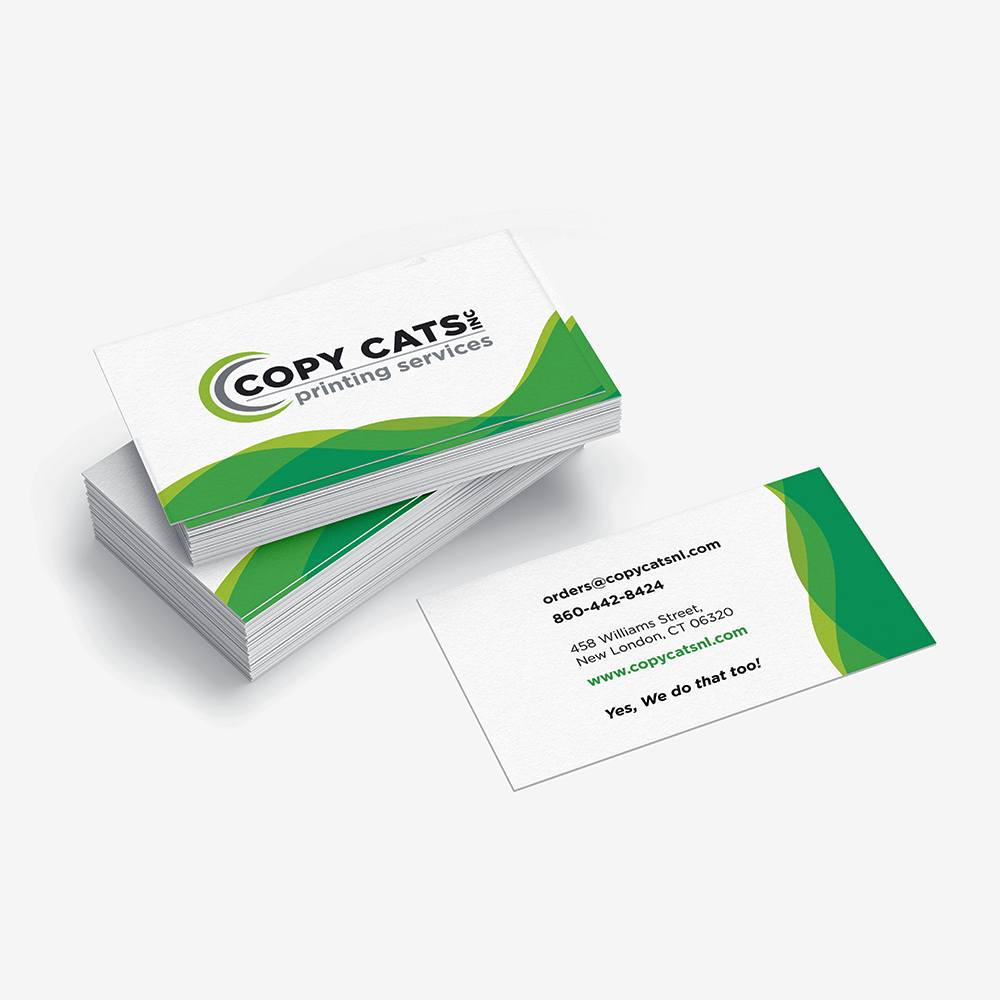
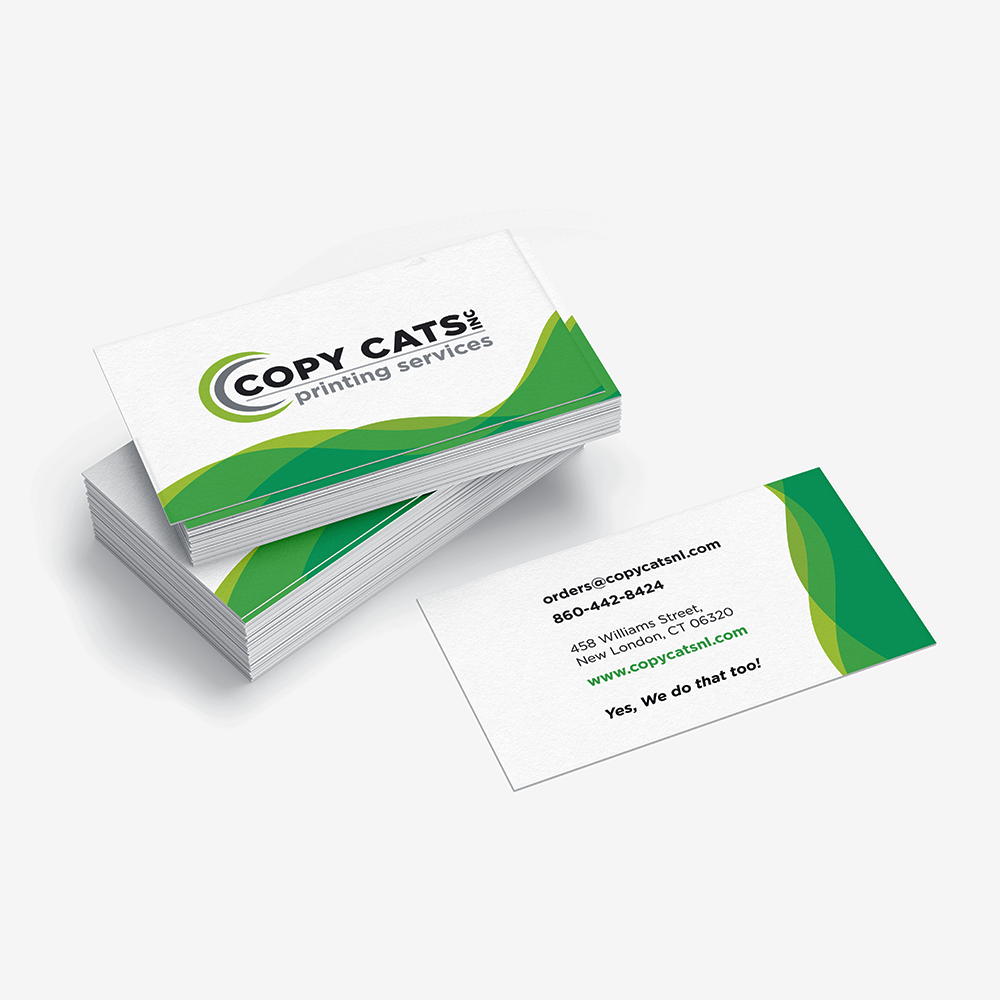
No matter what step of the process you're in, we can help you get started. Start your design from scratch in our online designer studio, edit one of our premade customizable templates so it's just right, upload a file or ask us to design for you!
To order another name/ another version of the same card, fill out the settings here and then hit Add more Job + to upload for a job with the same specifications.
Your business card should have the most essential and up to date about you and your business.
Here are some of the most important things you should have on your business card:
Some Optional additions:
Make sure all of the information on your card is information that you want available to the public! if you don't want just anyone contacting you on your cell phone number, keep it off! Also make sure that your business card fulfills its purpose-- it should tell people how to contact you, so keep phone numbers up to date and only list social media, and email addresses that you check often, you don't want to miss your next business opportunity!
Whether you should put your social media on your business card or not depends on a few different things:
Is it a personal or business account?
If your account is a personal account, keep it off your business card! Potential clients looking at your business card want to see what you are doing as a business, not where you went on vacation.
Is the account active and Up to date?
If you are not active on your social media and it features outdated or low quality content and infomation, keep it off your business card. Unless you plan to completely revamp your social media image before you start handing out your business cards, you want to avoid showing an unpolished social media presence to potential customers.
If your account is professional, active and up to date, consider adding it to your business card! It could be a great way to reach your desired audience! If you have accounts on multiple different platforms, think about the platforms that you have had the most success in or the platforms where your target audience lives and put only those on your business card.
Choosing between a coated stock like 100# Gloss or 100# Silk and an uncoated stock for your business cards can be hard when you don't have the options right in front of you. There are some things to consider when deciding between these options that might help you narrow it down.
Will you be writing on your business cards?
If you will be using your business cards as appointment cards or if you just have a general card for your business and want your employees to be able to write down their name or number when handing them out, Uncoated stocks are the way to go. Uncoated stocks are easy to write on using pen or pencil while coated stocks may smear, smudge or not even leave a mark.
Do you want to UV Coat your business cards?
If you want to UV coat your business cards, choose a Coated stock as uncoated papers do not work well for UV coating. Uncoated papers absorb the varnish solution like a sponge so you don't get the desired effect of UV coating. On coated stocks, the varnish does not get absorbed, it instead sits on top of the paper, allowing it to cure and leave a super glossy finish.
In general, choose coated paper for a smooth, polished look and uncoated paper if you want a more natural feel or need to write on your business cards.
QR codes can be a great way to save space on your business card and save time for the person who receives the card. Instead of typing your whole website url or searching your username on social media, potential customers and connections can just scan the code and be led right there.
Here are somethings to keep in mind when adding a QR code to your business card:
Ready to add a QR code to your business cards? Create one using our designer studio! Simply click browse designs or create a custom design to enter the studio and click QR Code to make a new Code!
It can be hard to tell if you have enough information on a business card but you never want to have too much! The standard business card is only about 3.5 x 2 inches, that's not a lot of room! If you try to cram too much information on the card, you sacrifice legibility.
Here are some tips on what shouldn't go on a business card:
3.5 x 2 business cards are small enough to fit in a pocket, yet versatile enough to use anywhere. Your business card is the most important piece in your marketing arsenal. More than just names and numbers, effectively designed business cards provide a bold first impression with your prospective customers, and put your contact information right at their fingertips when they are ready to buy.